Difference between Classic Editor and Quick Editor
Indexes can be created to perform a Full Text Search, in two ways:
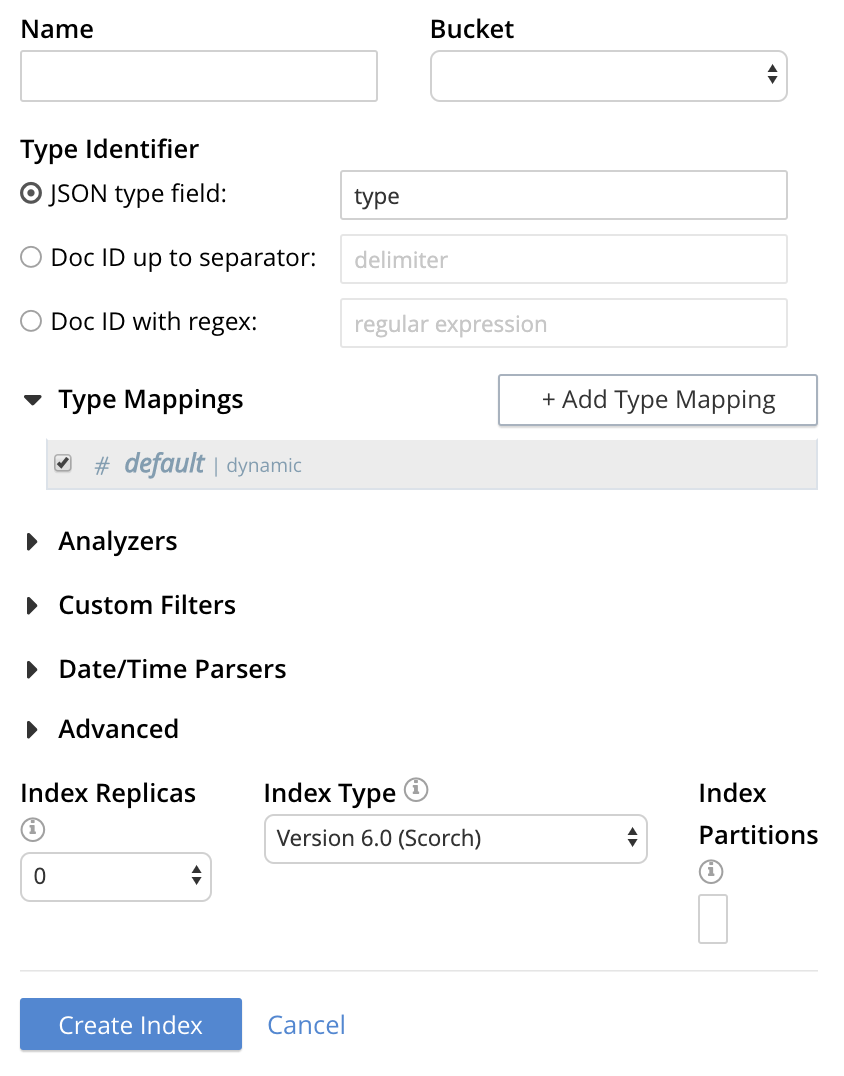
Classic Editor
To create an index, when you left-click on the Add Index button, it opens the editor. It opens the classic editor.
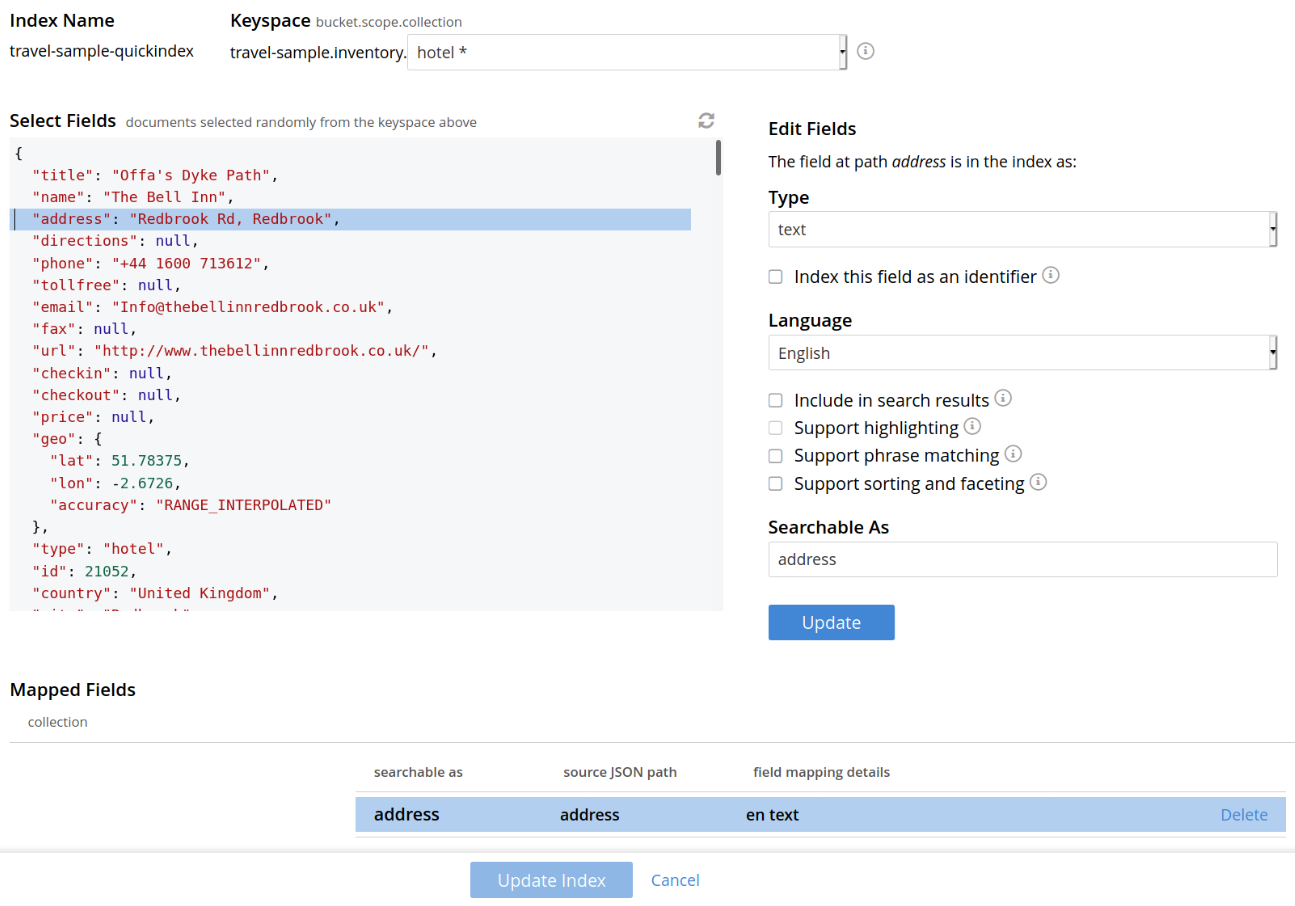
Quick Editor
To quickly edit an index, left-click on the Quick Index button, towards the right-hand side on the Full Text Indexes panel. It opens the Quick Editor.
The Difference
-
The classic editor is an advanced tool in which users directly configure the index mapping. The quick editor allows users to configure the mapping by working with sample documents and higher-level abstractions.
-
The classic editor is intended for users that are already familiar with the concepts of full-text search, while the quick editor is intended for new users who are still learning about full-text search.
Therefore, if you’re not sure where to start, try the Quick Editor.